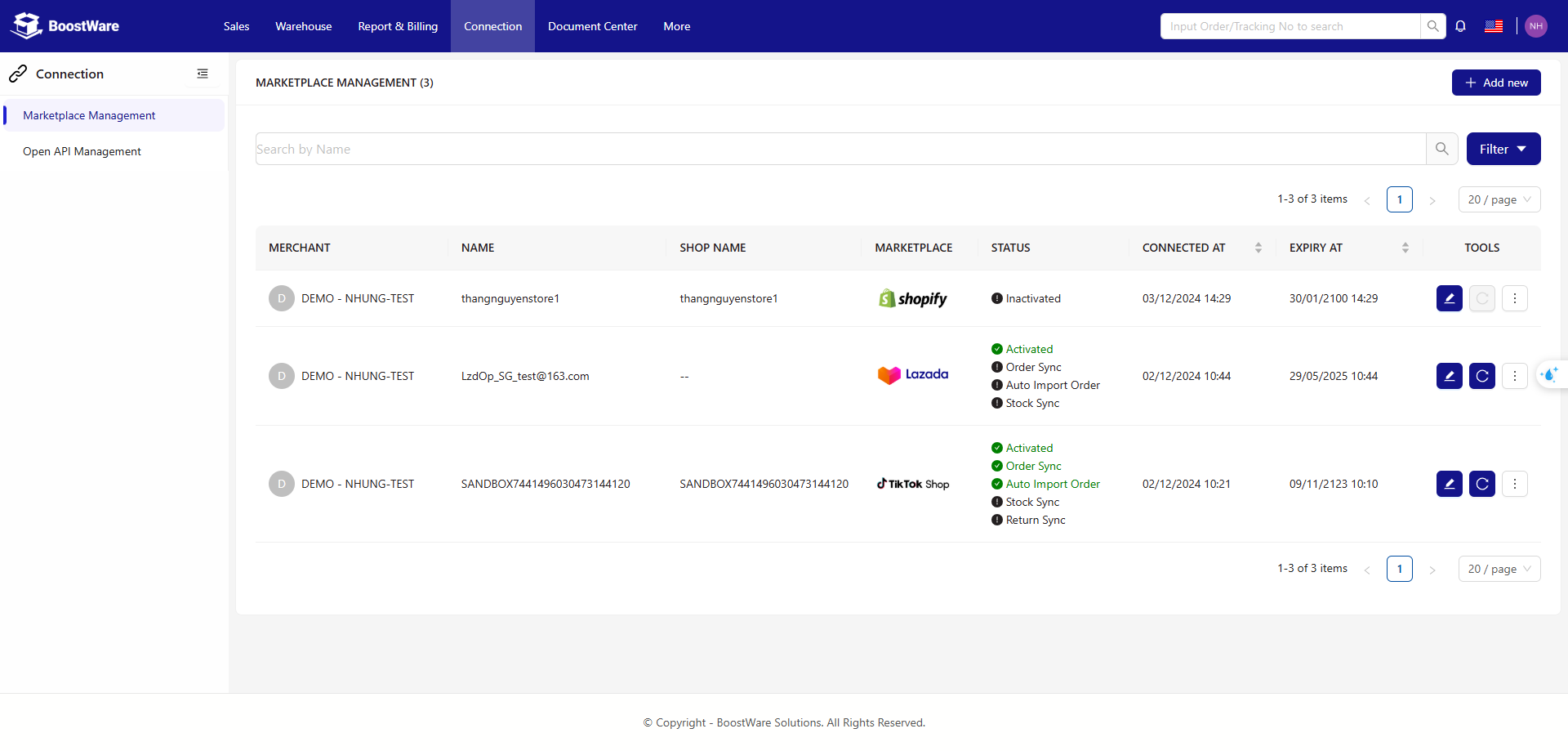
Marketplace Management
Integrate your BoostWare Fulfilment account with marketplaces that you sell on, so that you can automate the synchronisation of data across platforms.
Main Page
At the top right is the "Add new" button. Click it to add new marketplace connections to your account.
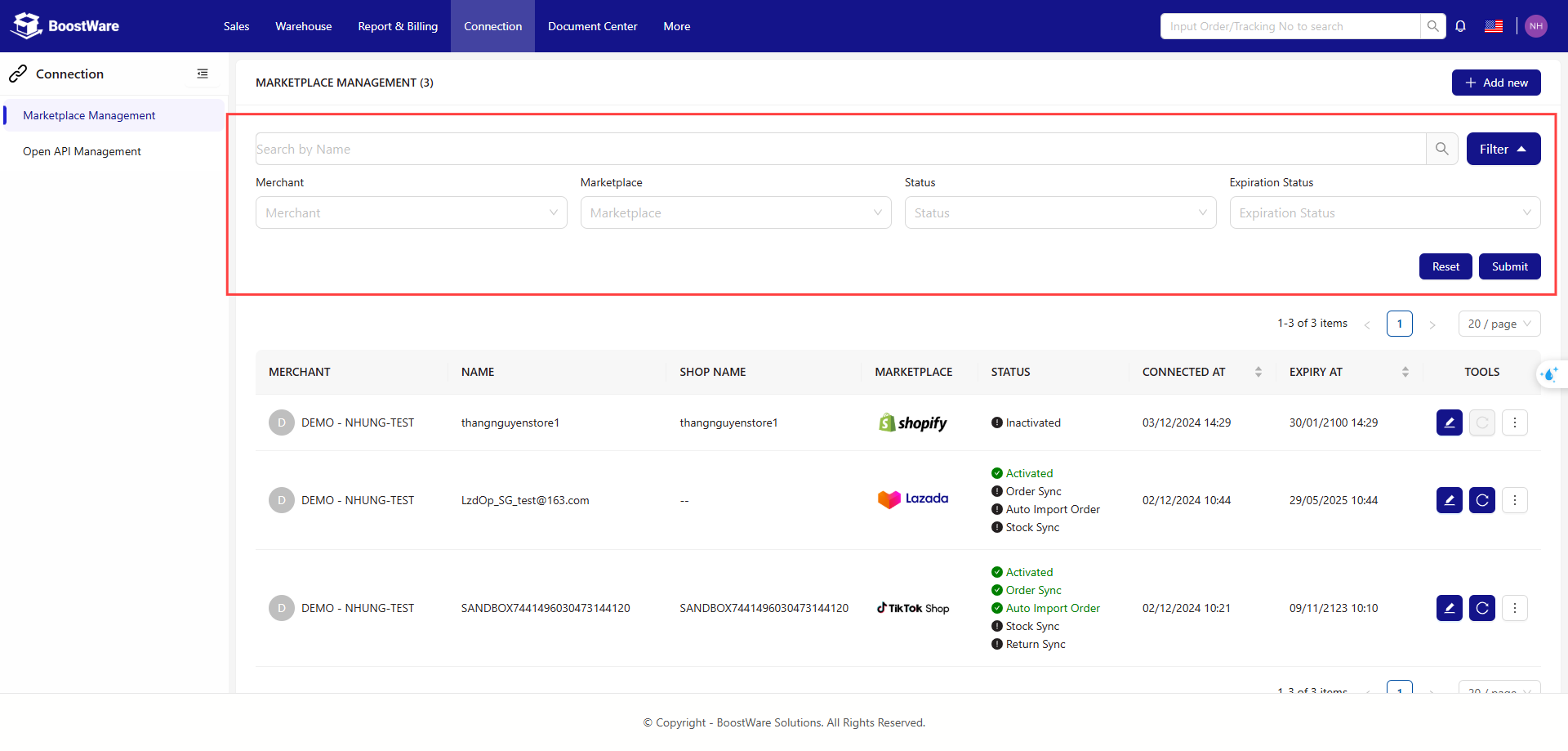
The search bar provides filters to help you find a specific connection. Available filters include Merchant, Marketplace, and Status.
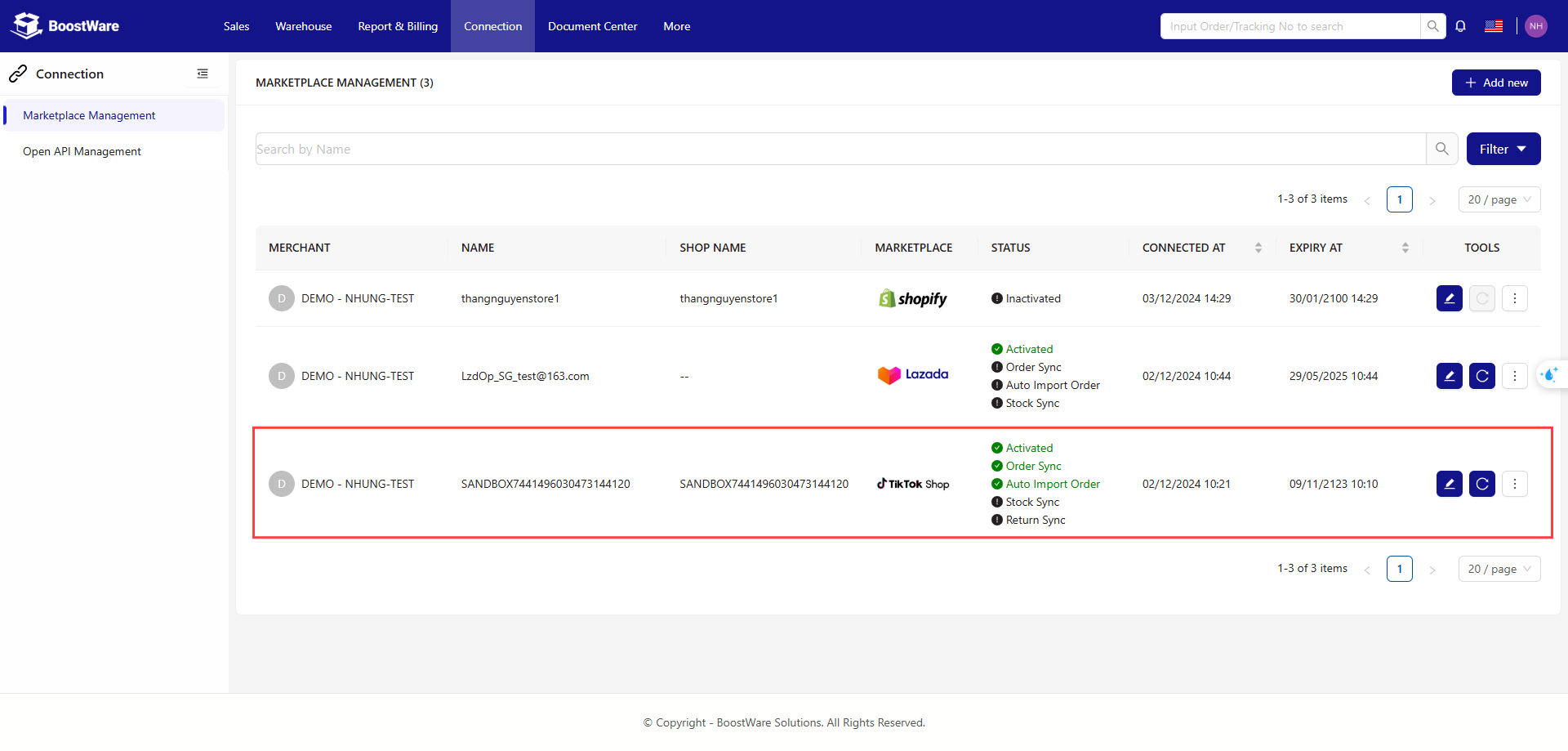
Below the search bar is the full list of connections that you have previously set up for your account.
Add New Connection
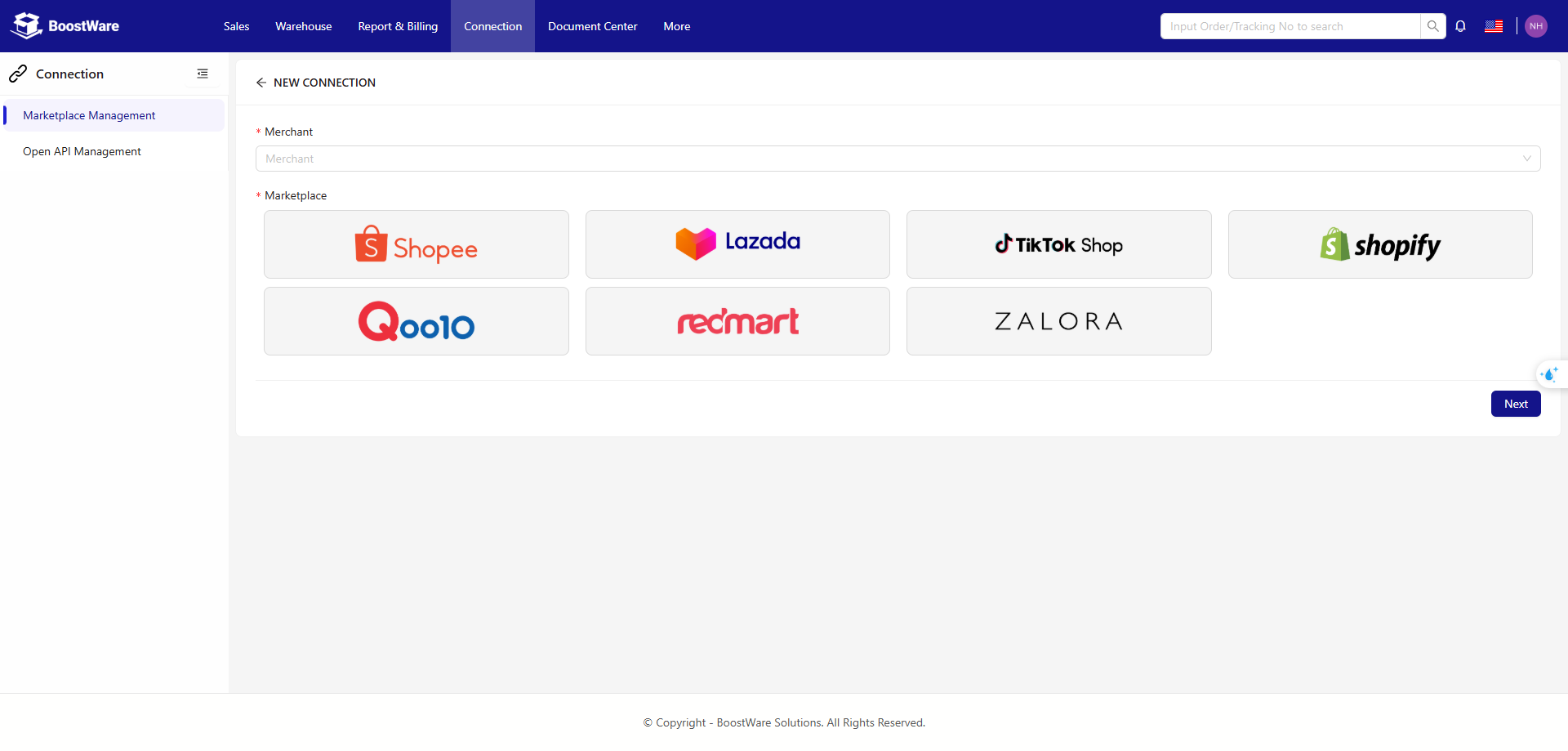
Select the merchant and the corresponding marketplace that you want to connect to.
Steps
- Select the merchant.
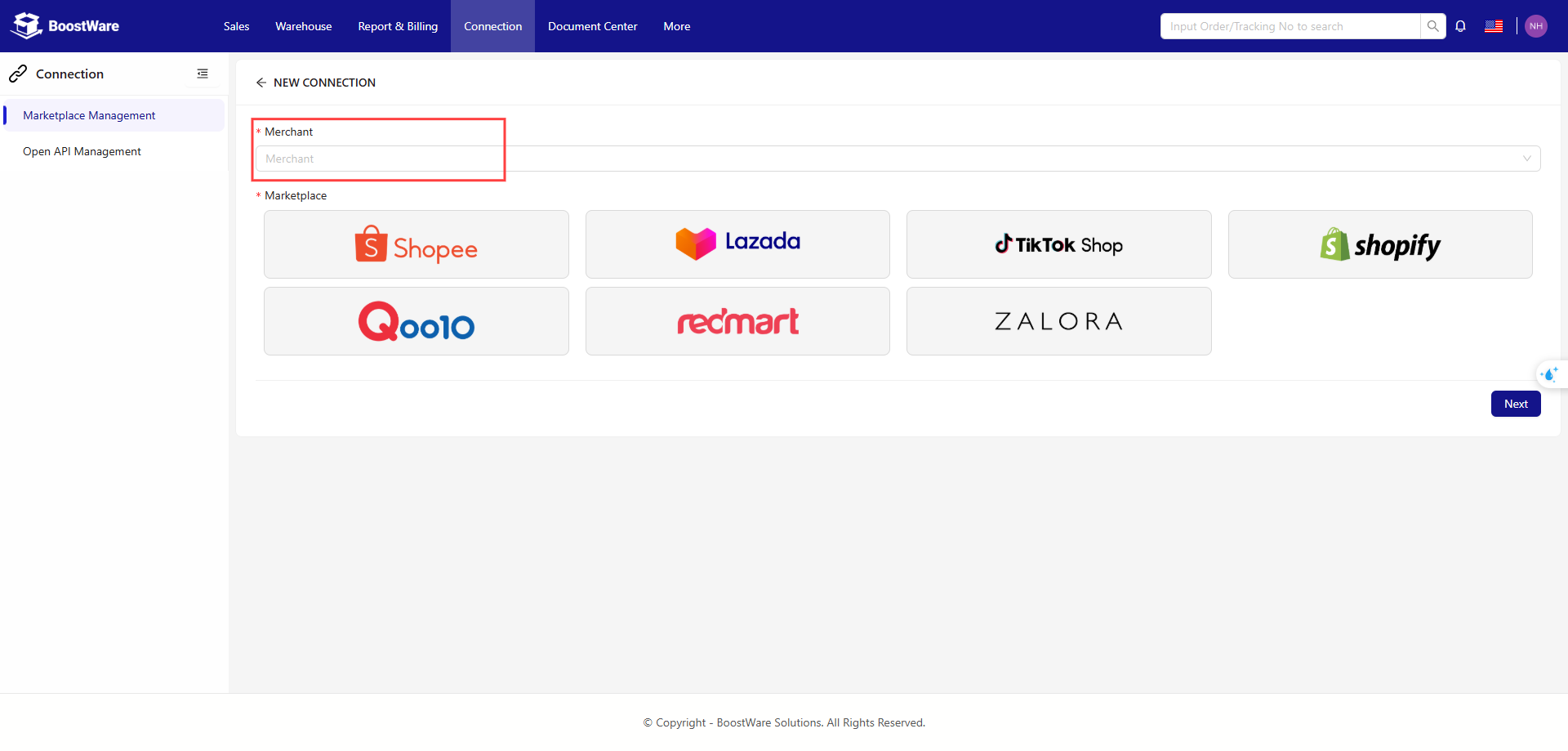
- Select the marketplace that you want to connect to.
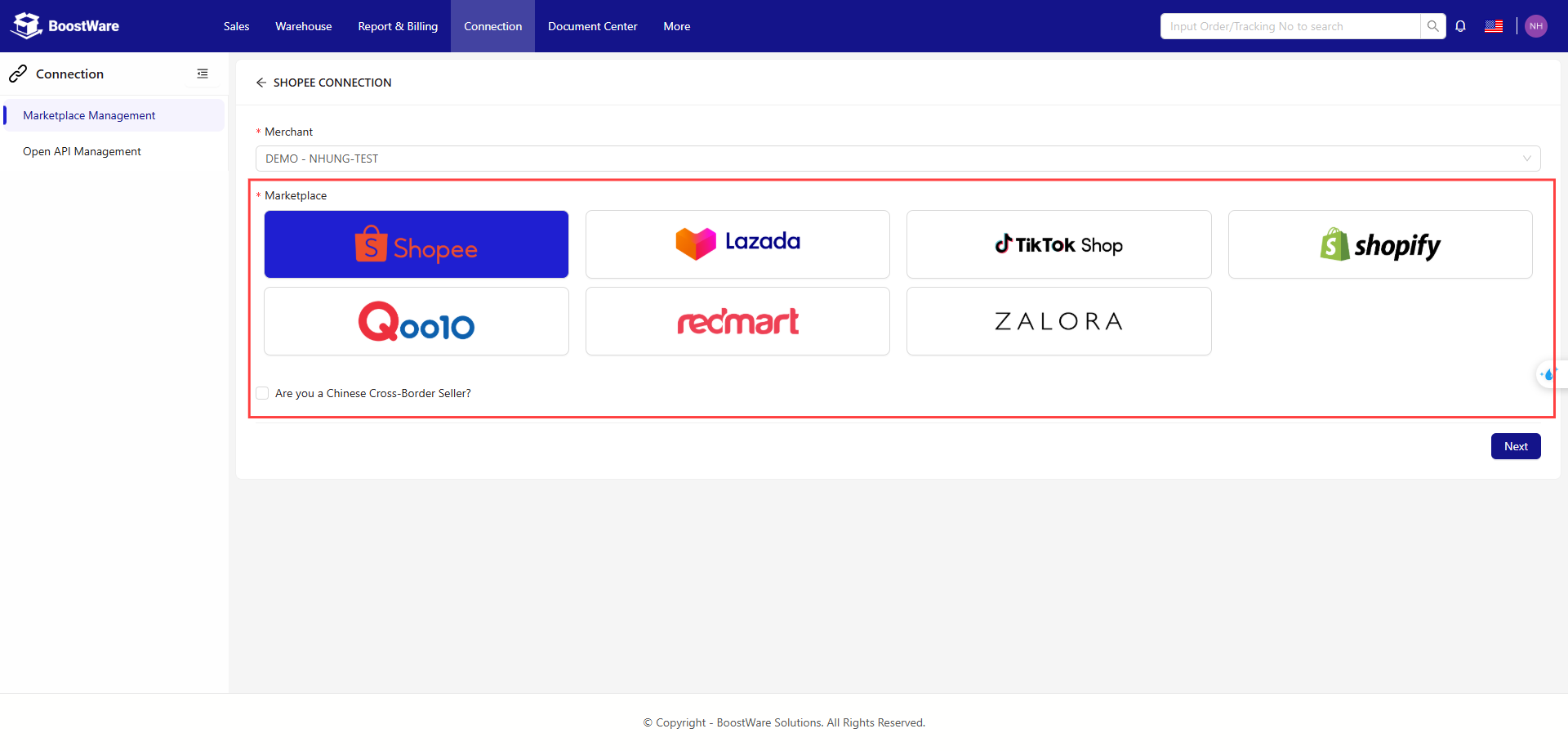
- Select Next.
-
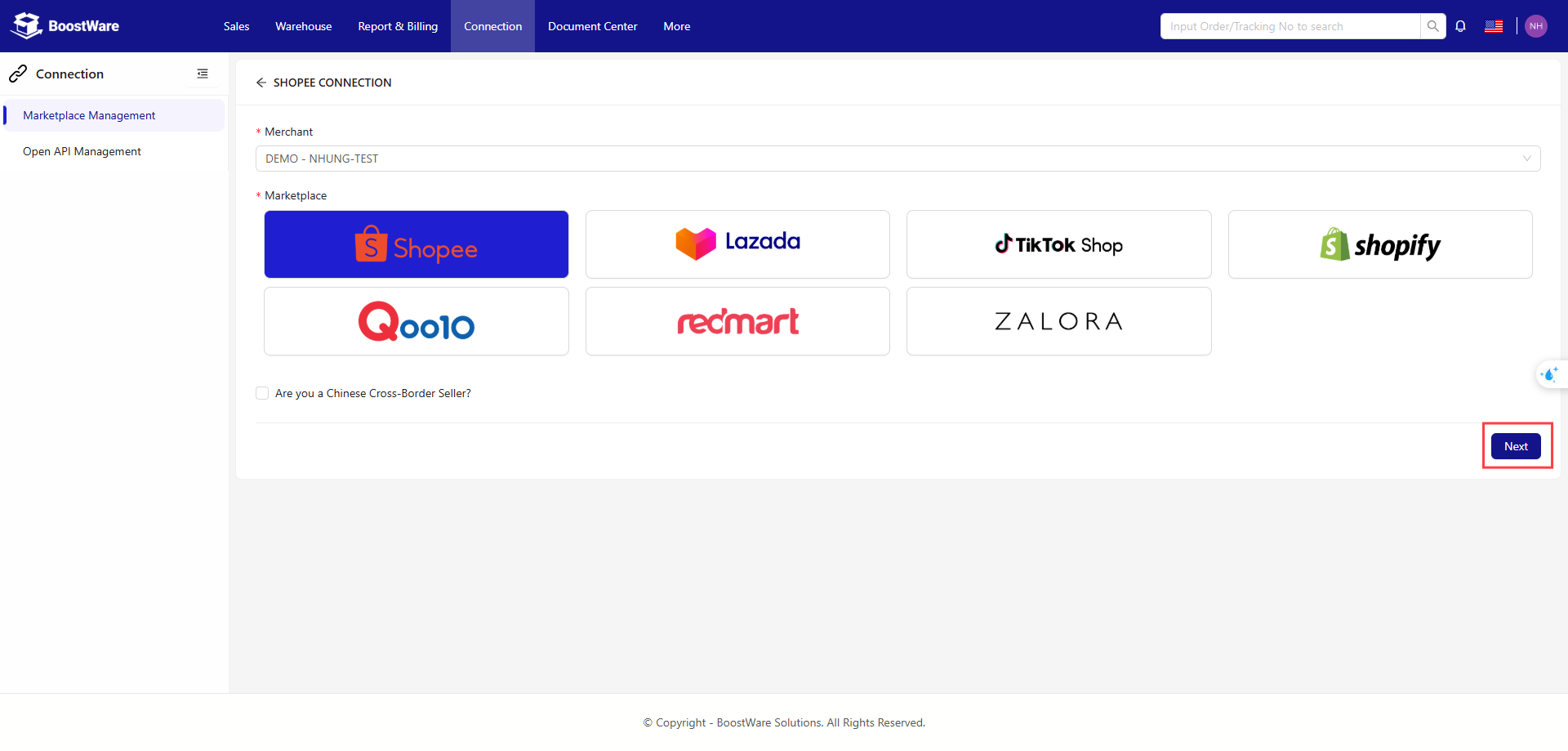
Follow the marketplace's instructions to complete the connection.
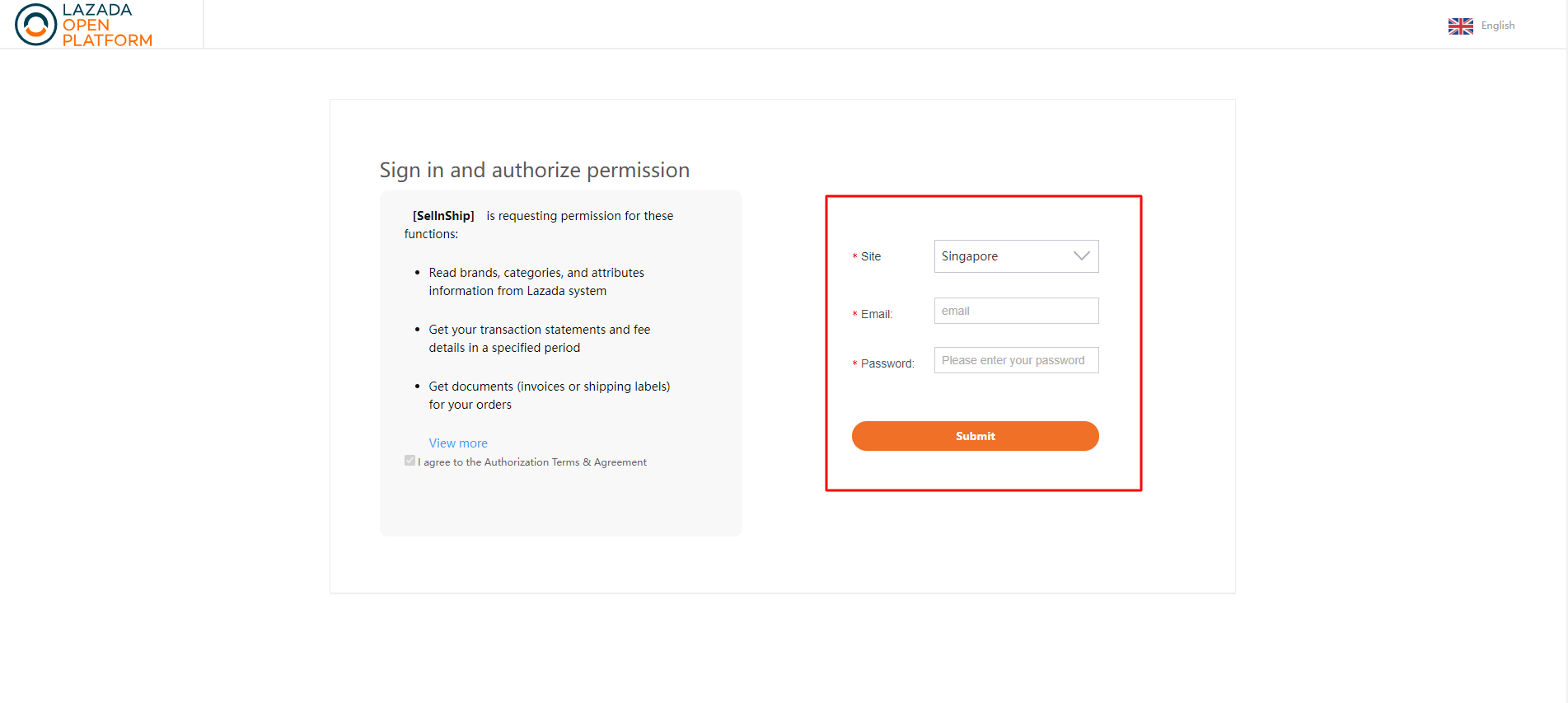
Finally, change the settings of the connection according to your needs.
See Edit Connection below for more details about the connection settings.
Connection Guides
Some marketplaces require additional configuration before they can integrate with BoostWare Fulfilment.
Manage Existing Connections
Two actions are available for each connection:
- Edit Connection
- Reconnect
Edit Connection
Edit the details of your existing connections.
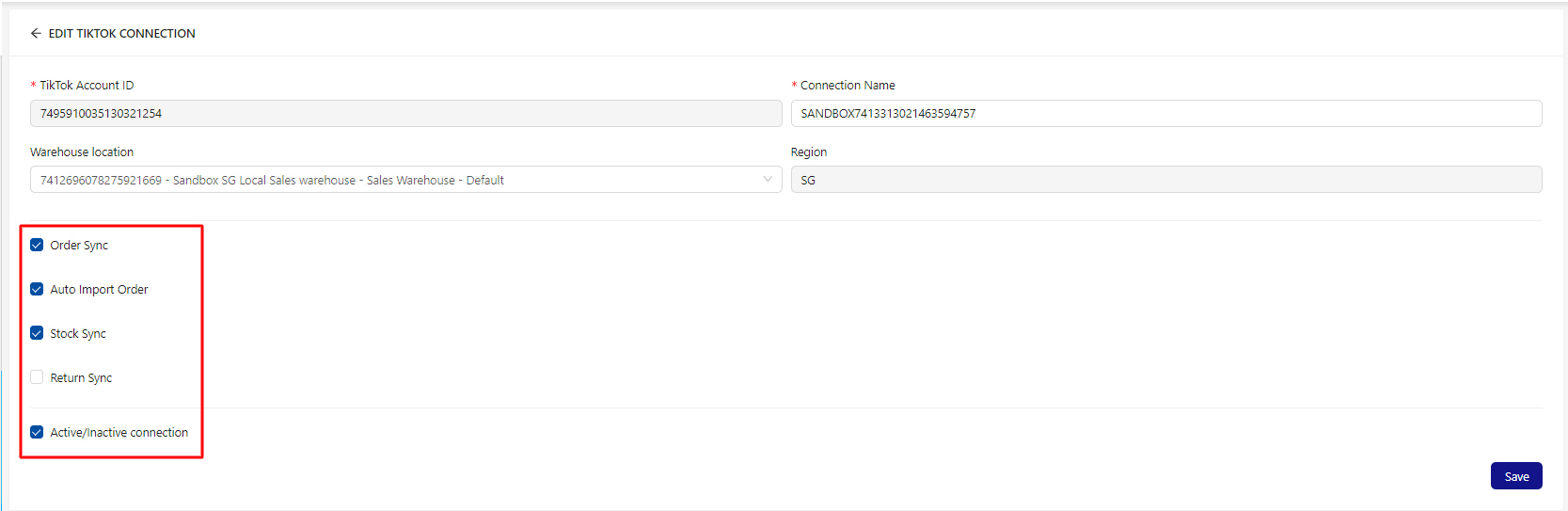
Here is also where you can set the syncing options for your connection based on your business needs. The descriptions are for when the option is checked.
- Order Sync: Automatically sync orders from the marketplace to BoostWare Fulfilment.
- Auto Import Order: All orders from this marketplace will be immediately processed into our system to be fulfilled, i.e. they will bypass the pending orders stage and go straight to the orders stage.
- Stock Sync: Automatically push the updated stock numbers from BoostWare Fulfilment to your marketplace.
- Return Sync: Synchronise return orders between the marketplace and BoostWare Fulfilment.
- Active/Inactive Connection: Activate or deactivate the connection.
Reconnect
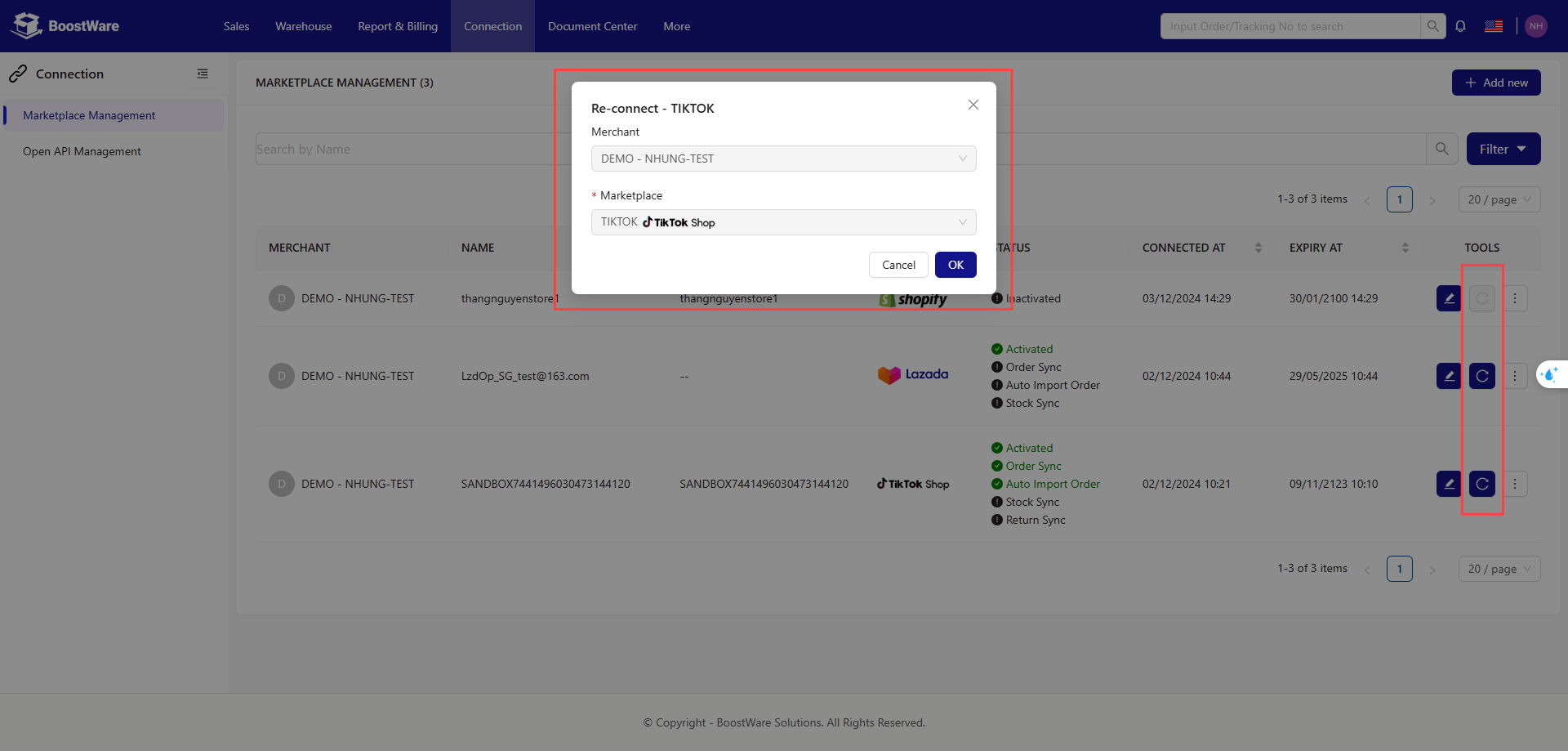
Clicking this button will bring you to a page where you'll be able to reconnect this connection.
It is similar to the "Add new connection" page, except that you are updating an existing connection.