Stock Movement Report
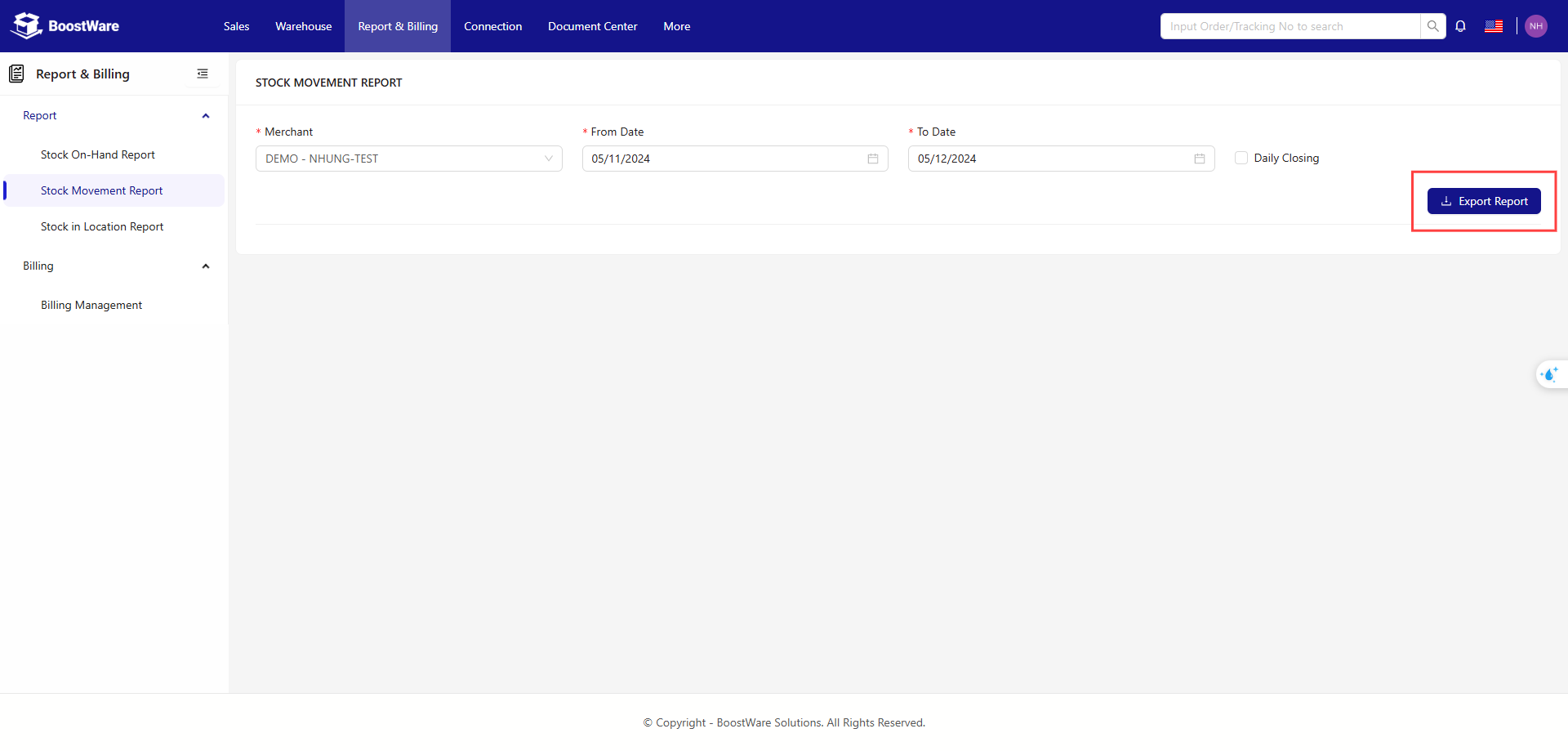
Generate and export detailed reports on stock movement in Excel format (.xlsx). Click the Export Report button to download the report.
-
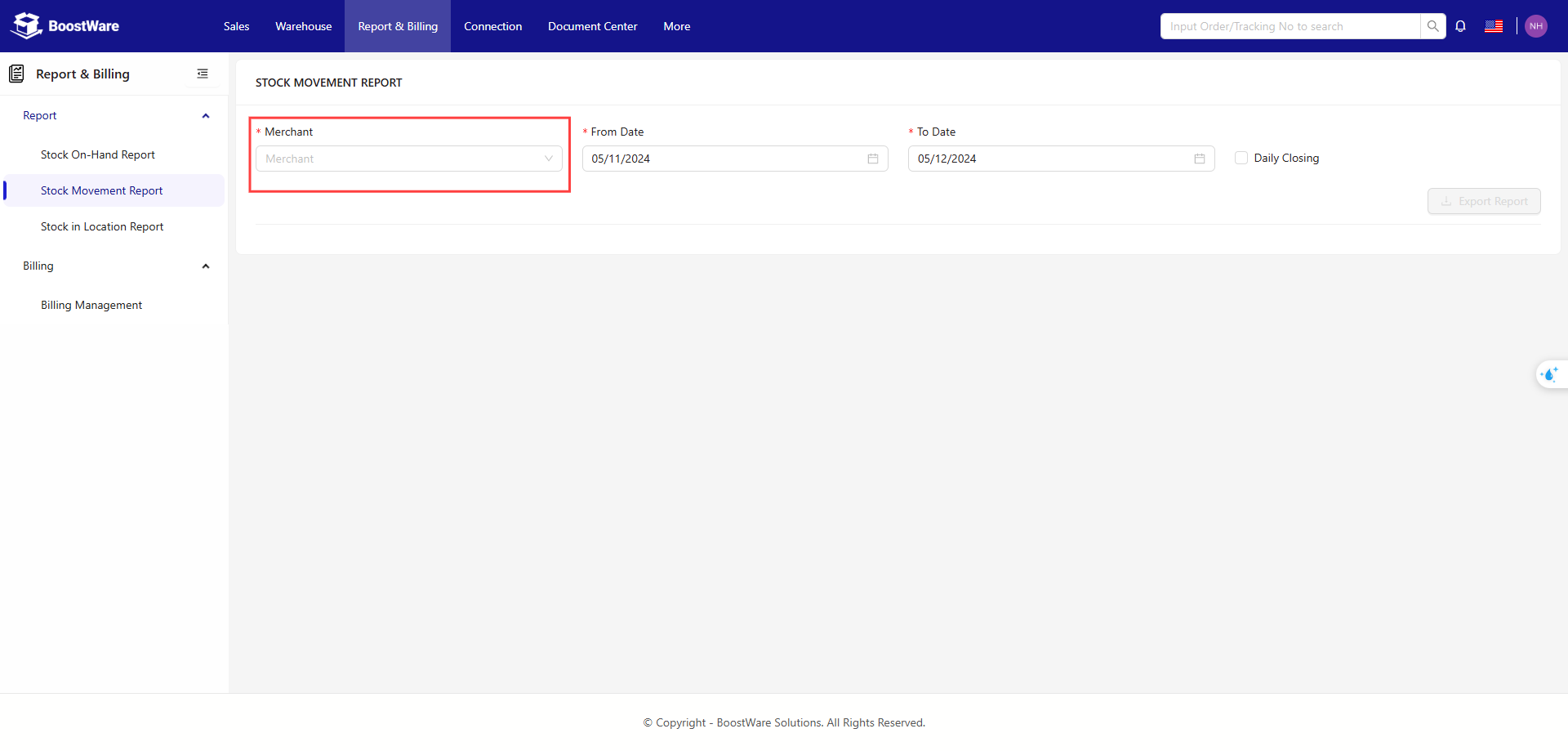
Select the merchant you want to view.
-
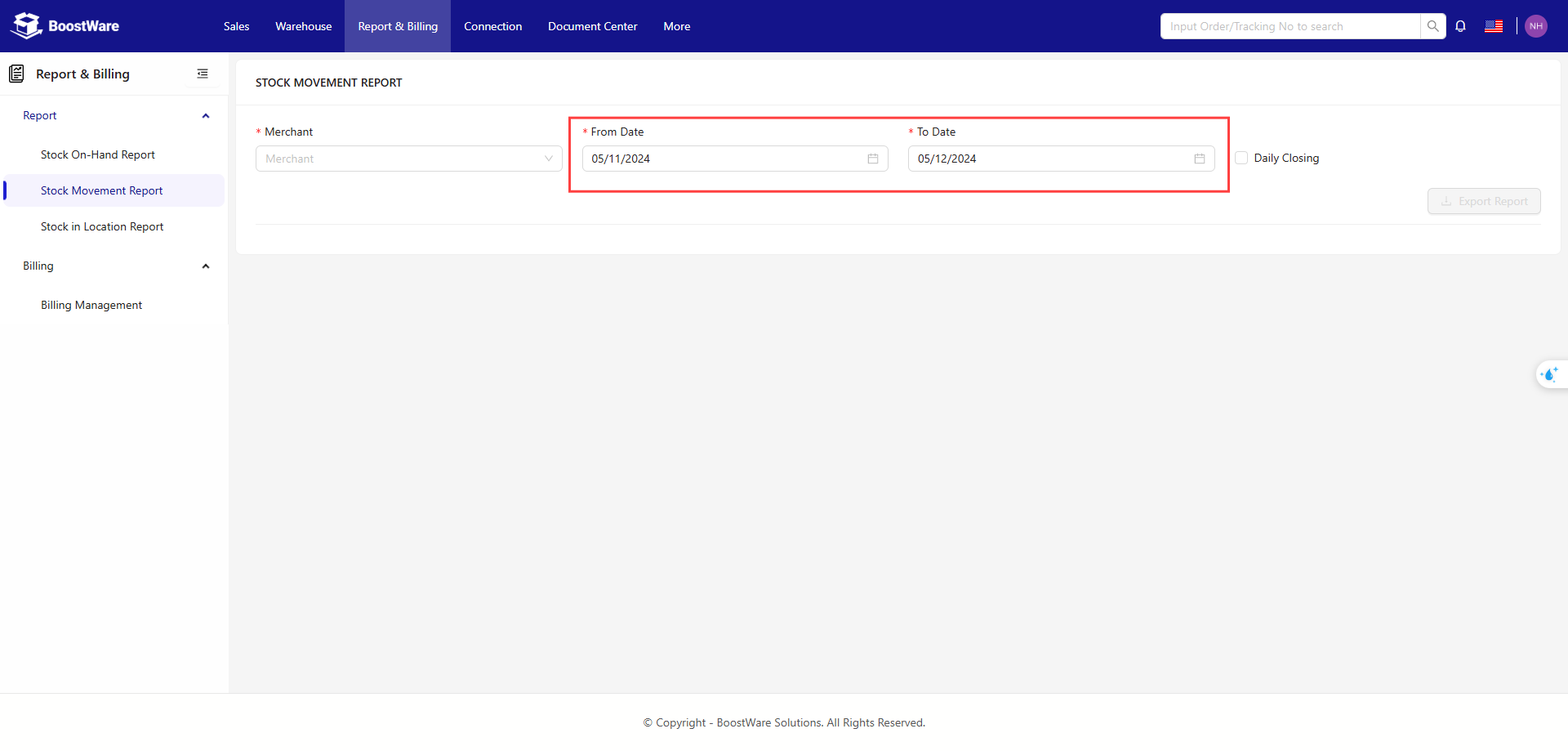
Specify the desired date range.
-
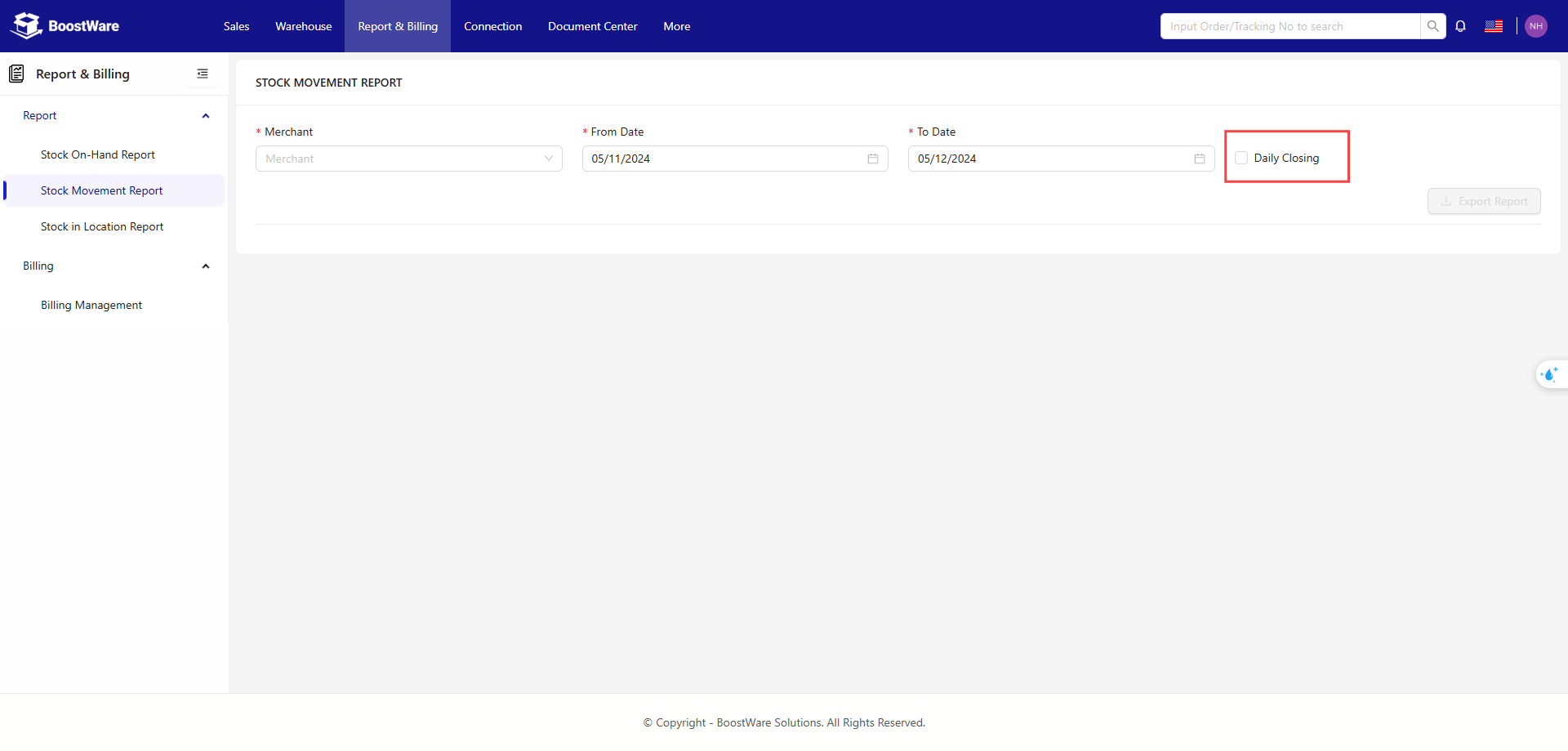
Choose whether to include daily closing data.
-
Click Export Report.
Daily Closing
Unchecked
The report will show entries indicating stock movements for each SKU, such as order fulfillment or inbound stock.
Checked
The report will break down each SKU into daily stock closings based on the specified date range.